PixelAOI — Pixel Art & Animation Editor
A downloadable pixelaoi for Windows
The pixel art editor you actually want.
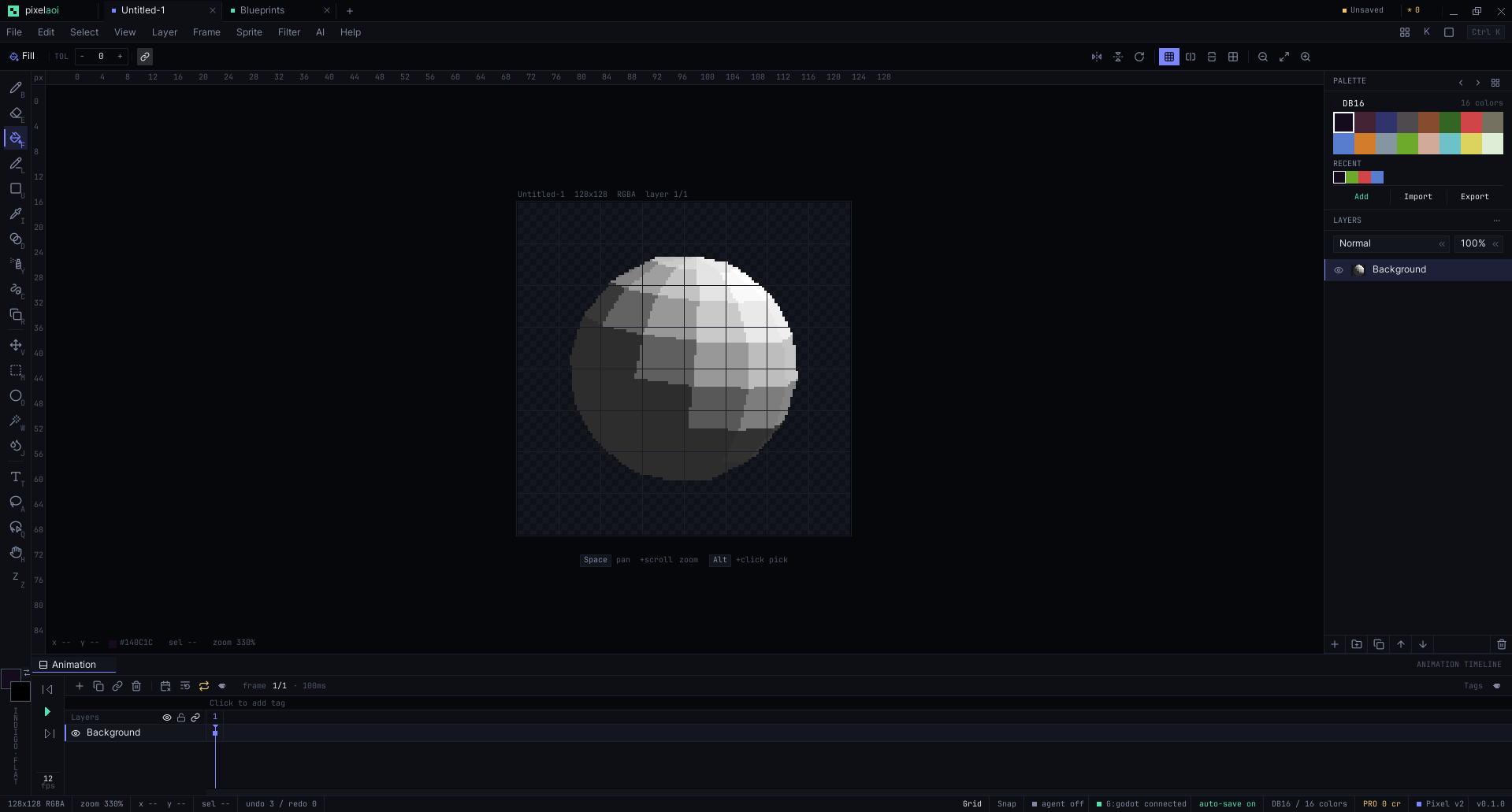
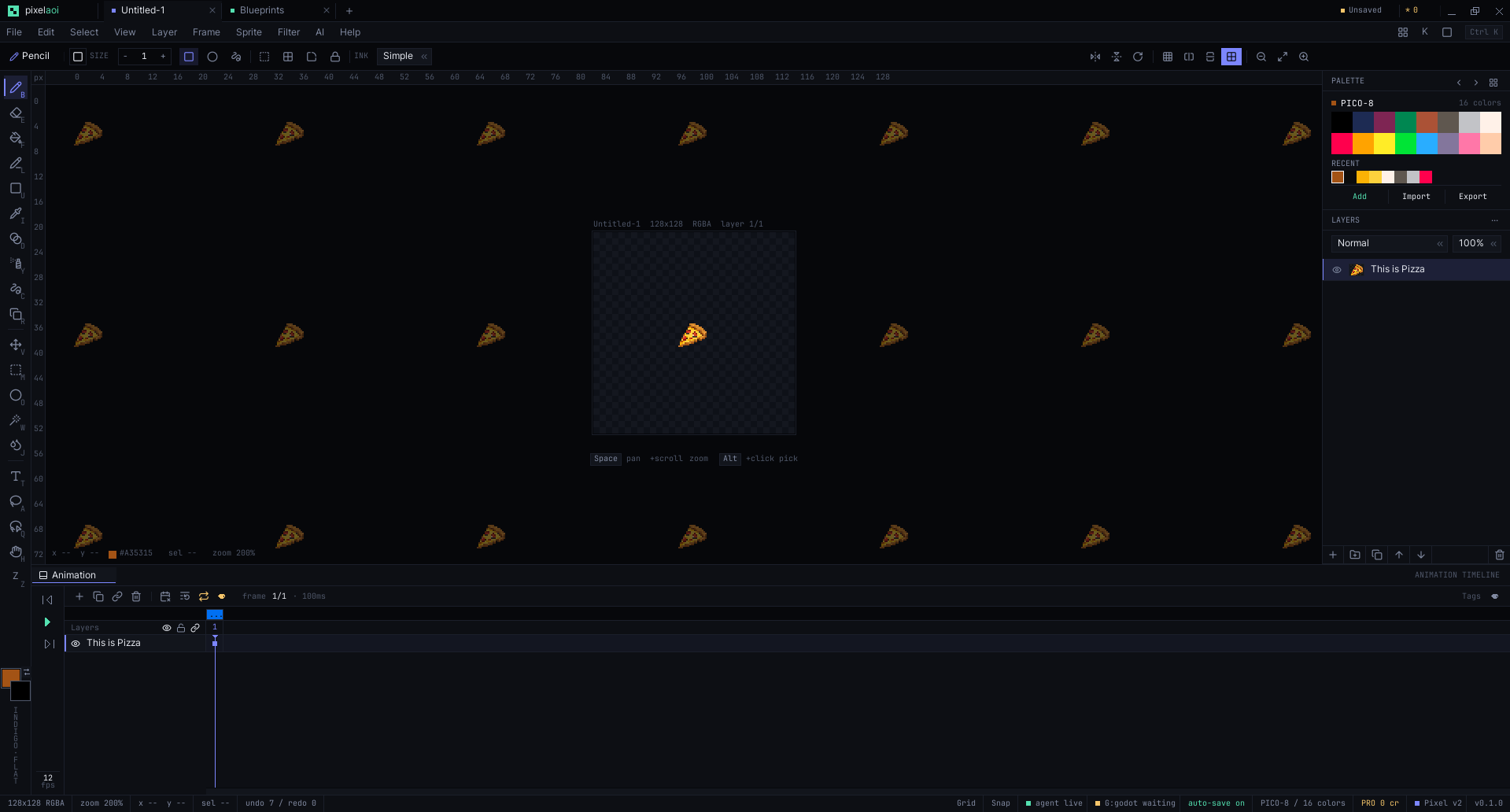
Draw sprites, animate them on a real cel timeline, build tilemaps, wire node-based effects, and paint straight into Godot. Not just a pixel editor — a full pixel-art studio built in Rust, native and fast, and free for your first six months.
Your free license includes the editor, the Godot live-sync add-on, and the MCP server for AI agents.
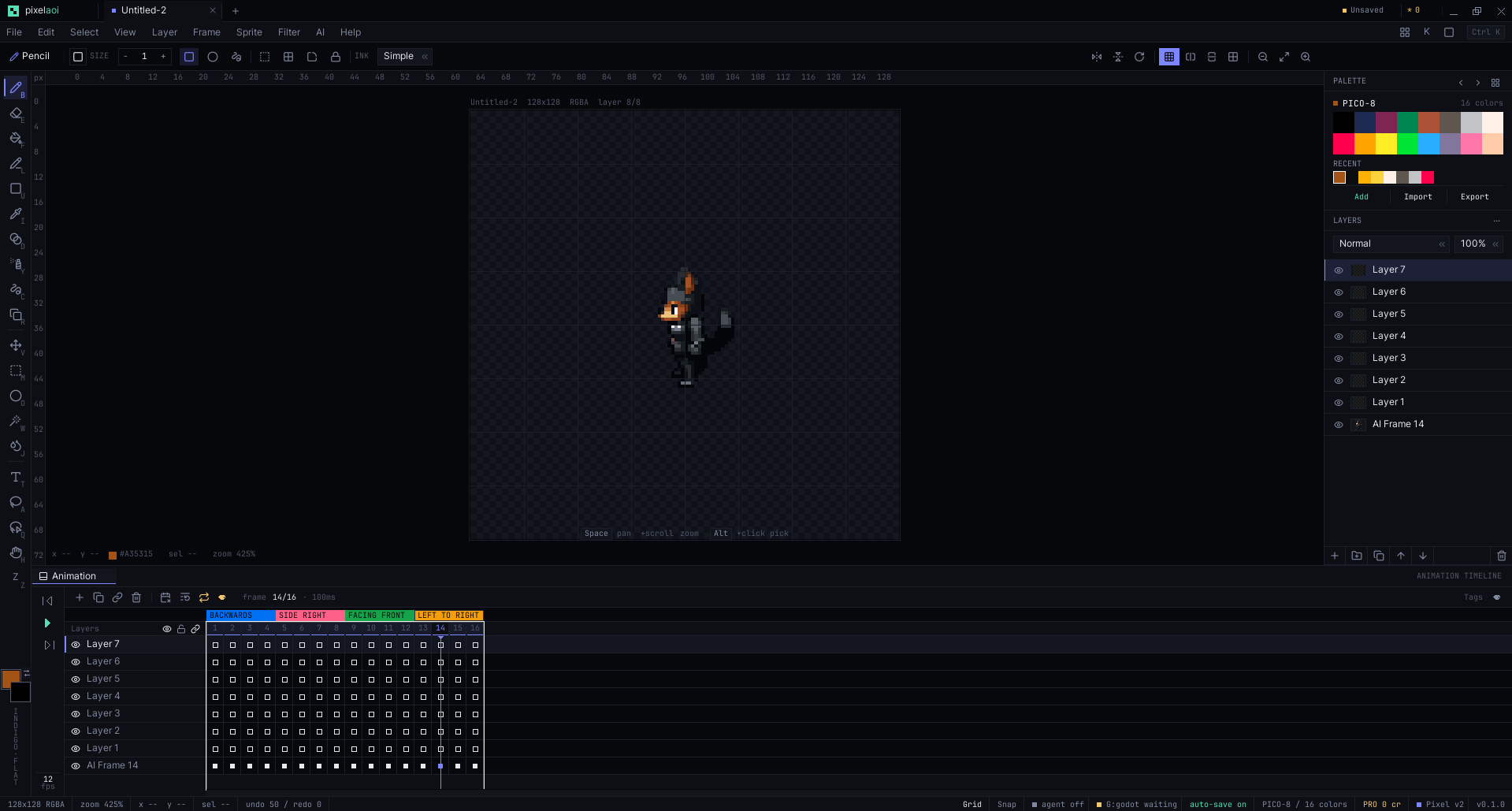
Godot Live Link
Paint in PixelAOI and see it move in Godot instantly. Every brush stroke, palette swap, and frame edit pushes into your running project — no export, no reimport, no editor restart. It carries all your animation tags across, and when you do want a file it exports Unity .meta, Unreal Paper2D, and Spine JSON too. Nothing else in this space does live sync.
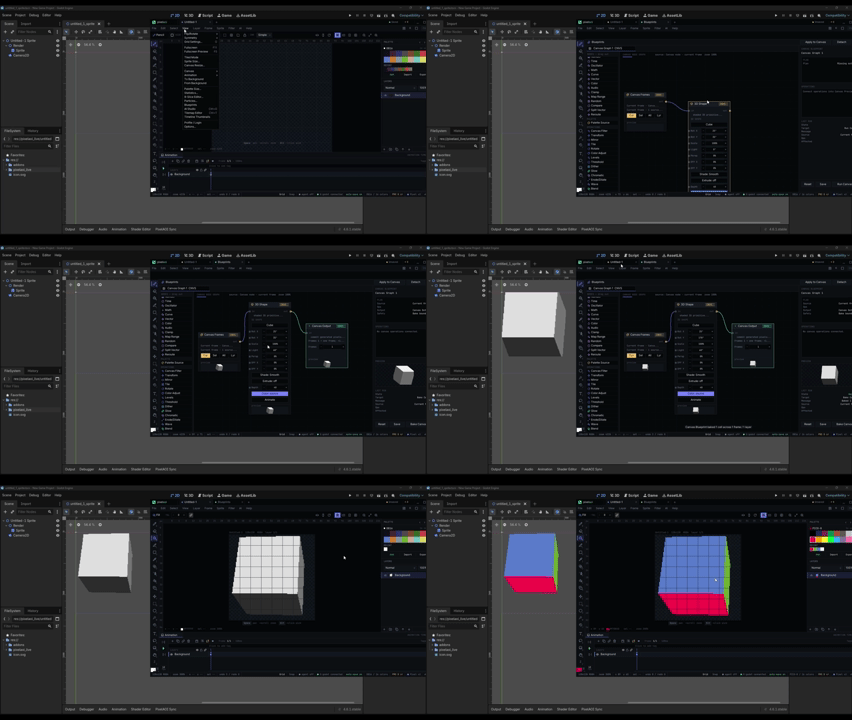
Blueprint graphs
Wire 100+ node types into visual graphs that drive particles, canvas filters, layer operations, and AI generation — all non-destructively. Preview it live, then bake the result into your sprite or timeline. Graphs cover particle, canvas, layer, and AI work, save as reusable presets, and pop out into their own window.
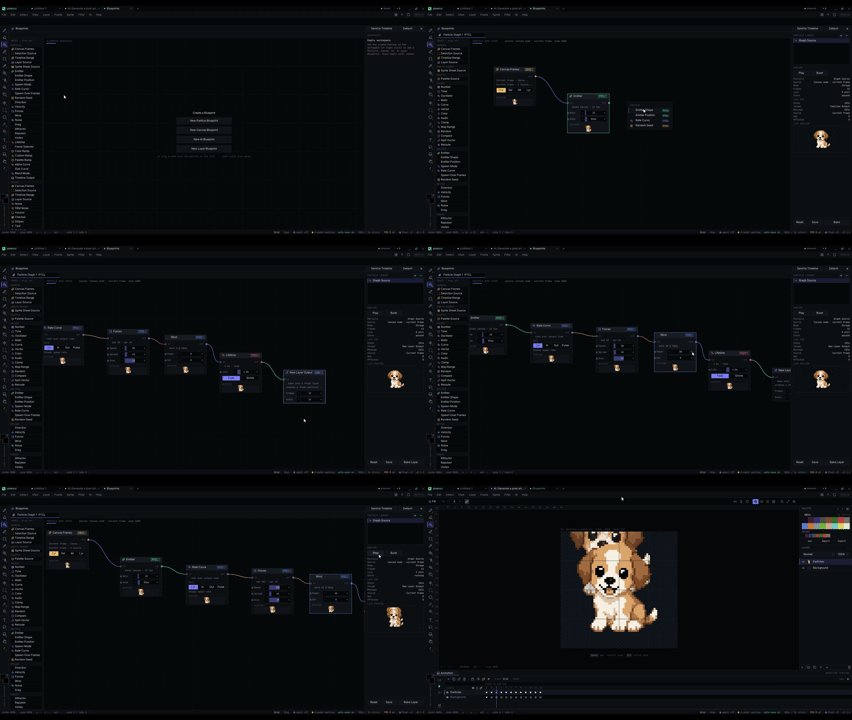
AI Studio
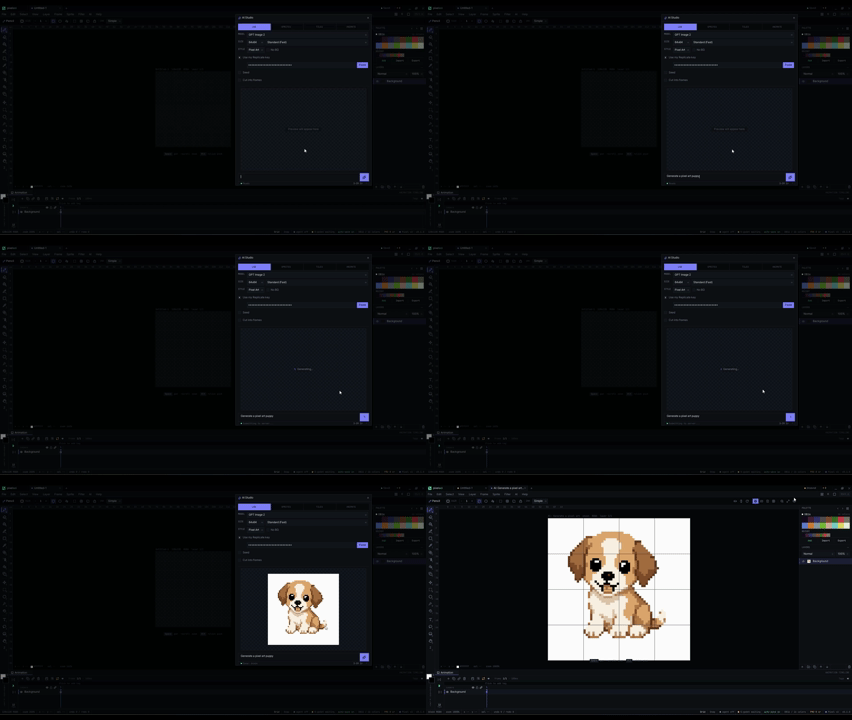
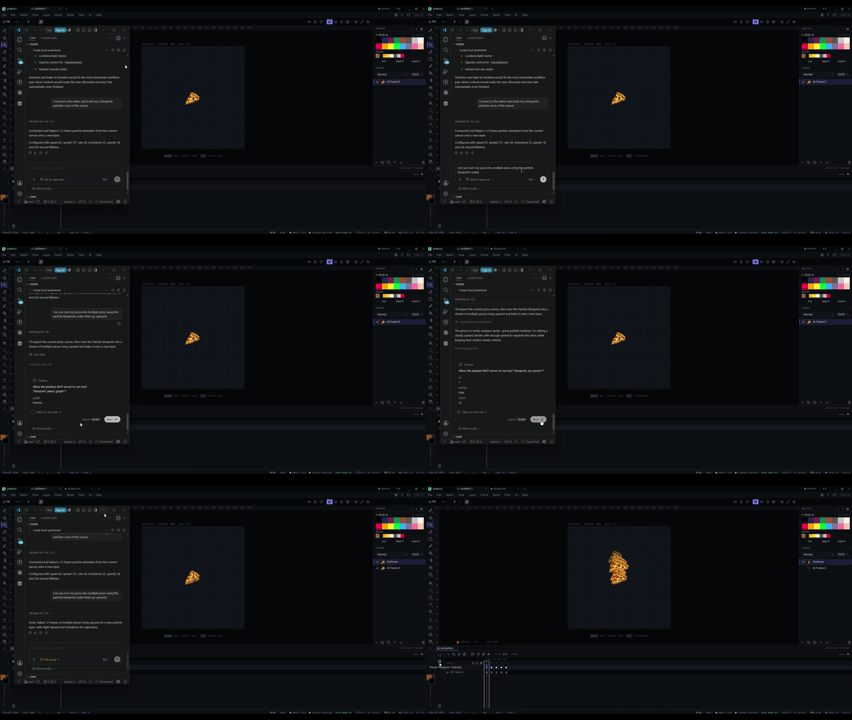
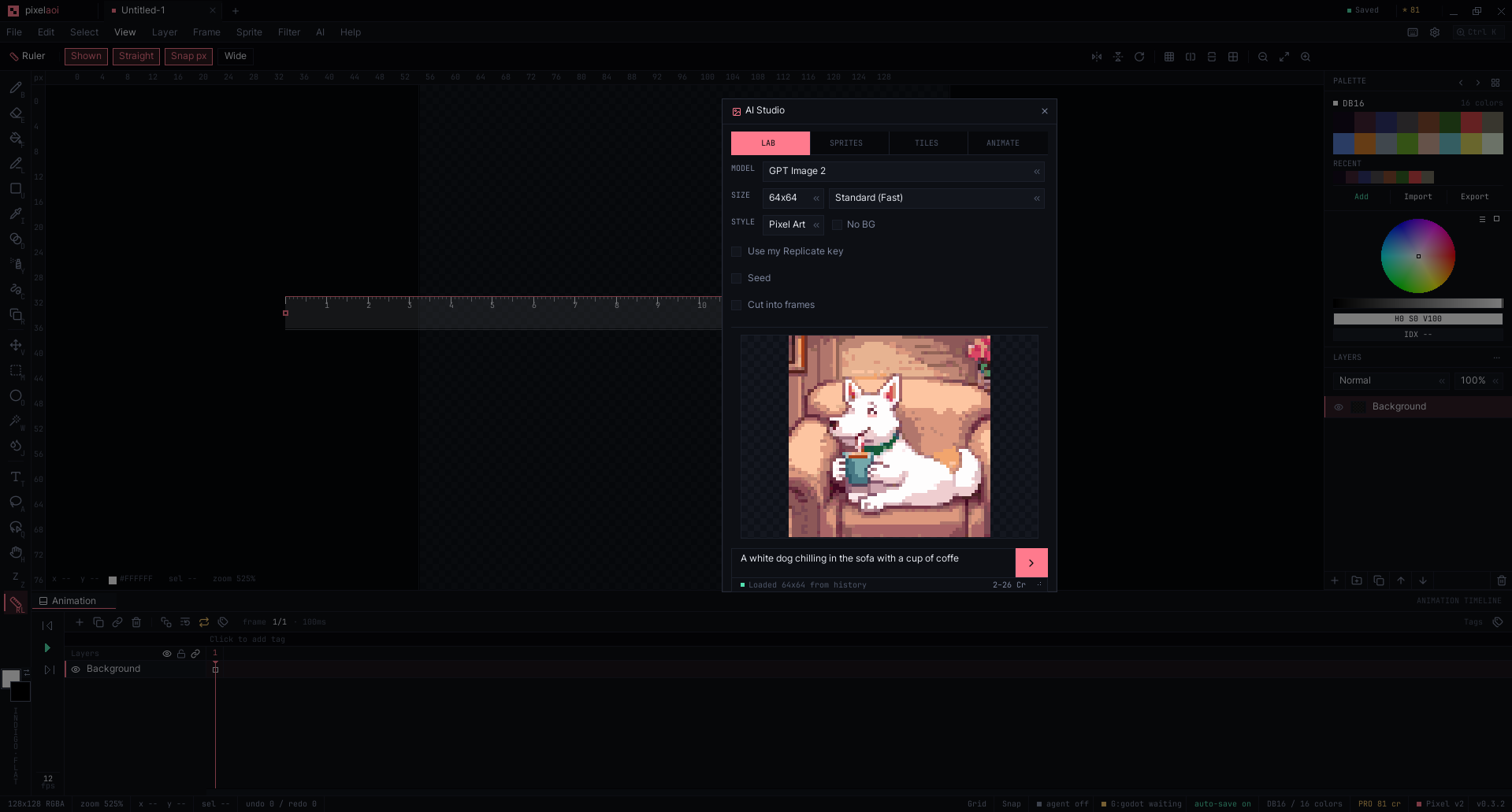
Generate sprites, seamless tiles, and full animation sheets from six models. Bring your own provider key and pay the provider directly — no markup, no lock-in — or buy PixelAOI credits if you'd rather not manage a key. Whatever you generate lands on the canvas as ordinary, editable pixels, snapped to your palette in OKLab. Fully local, offline generation that runs on your own machine is on the way.
Tilemap editor
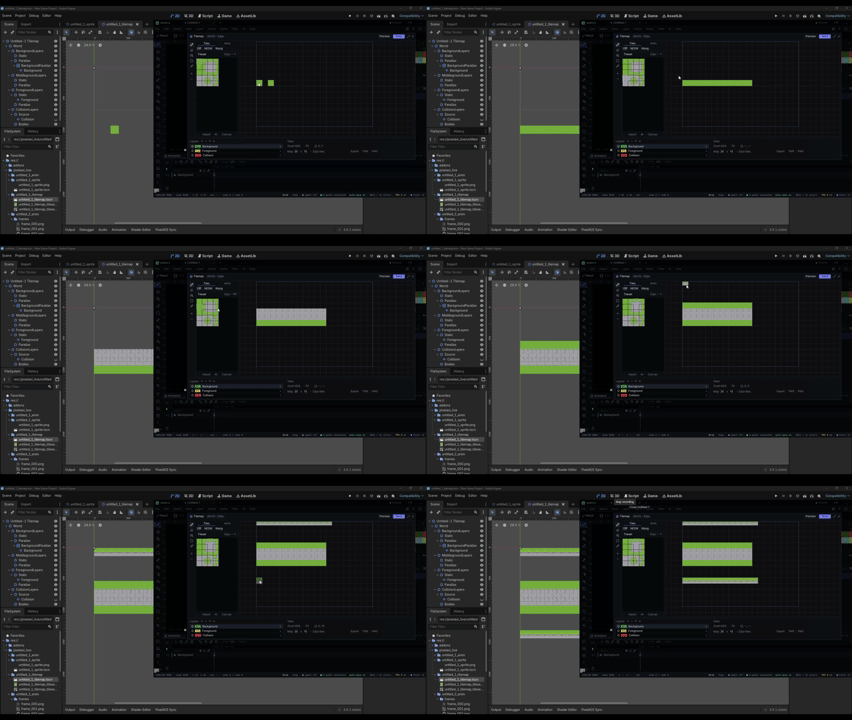
Build your levels without leaving the editor. Paint tiles, set collision layers, use Wang tiles for seamless auto-tiling, animate tiles, and preview parallax scrolling. Export to Tiled .tmx or straight to your engine.
Animation
A complete cel-based timeline — the one you already know, with a few things it usually doesn't have.
- Linked cels — one image shared across frames; change it once and every frame updates.
- Onion skinning with configurable opacity and range.
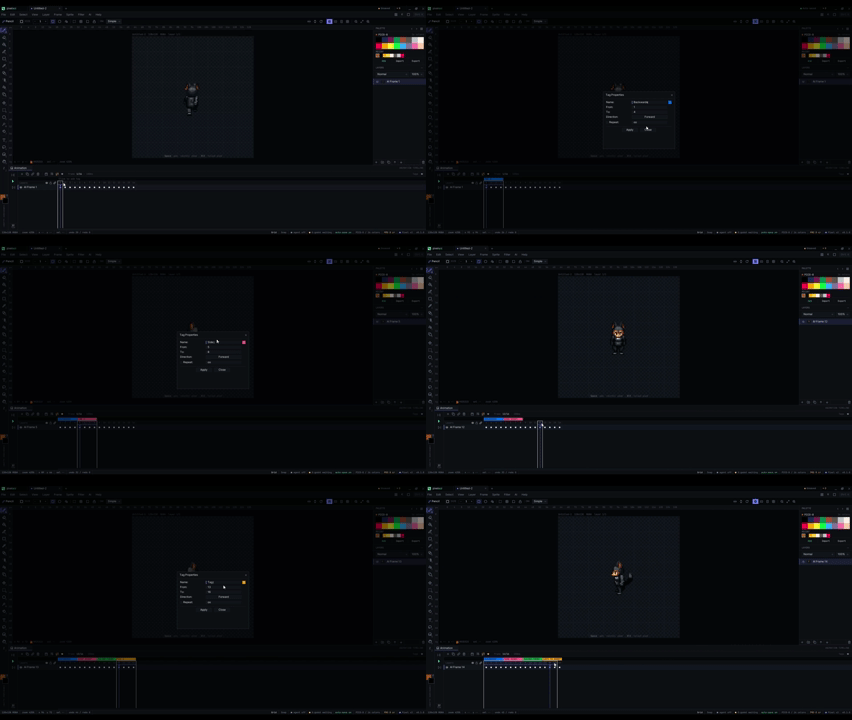
- Tags for idle / run / jump ranges, played forward, reversed, or ping-pong, with tag sequences to chain them.
- Variable frame timing — linger on an impact, race through a run cycle.
- Keyboard-first: arrows scrub frames, Space plays, Delete removes. Export animated GIF, sprite sheets, or straight to your engine.
For game developers
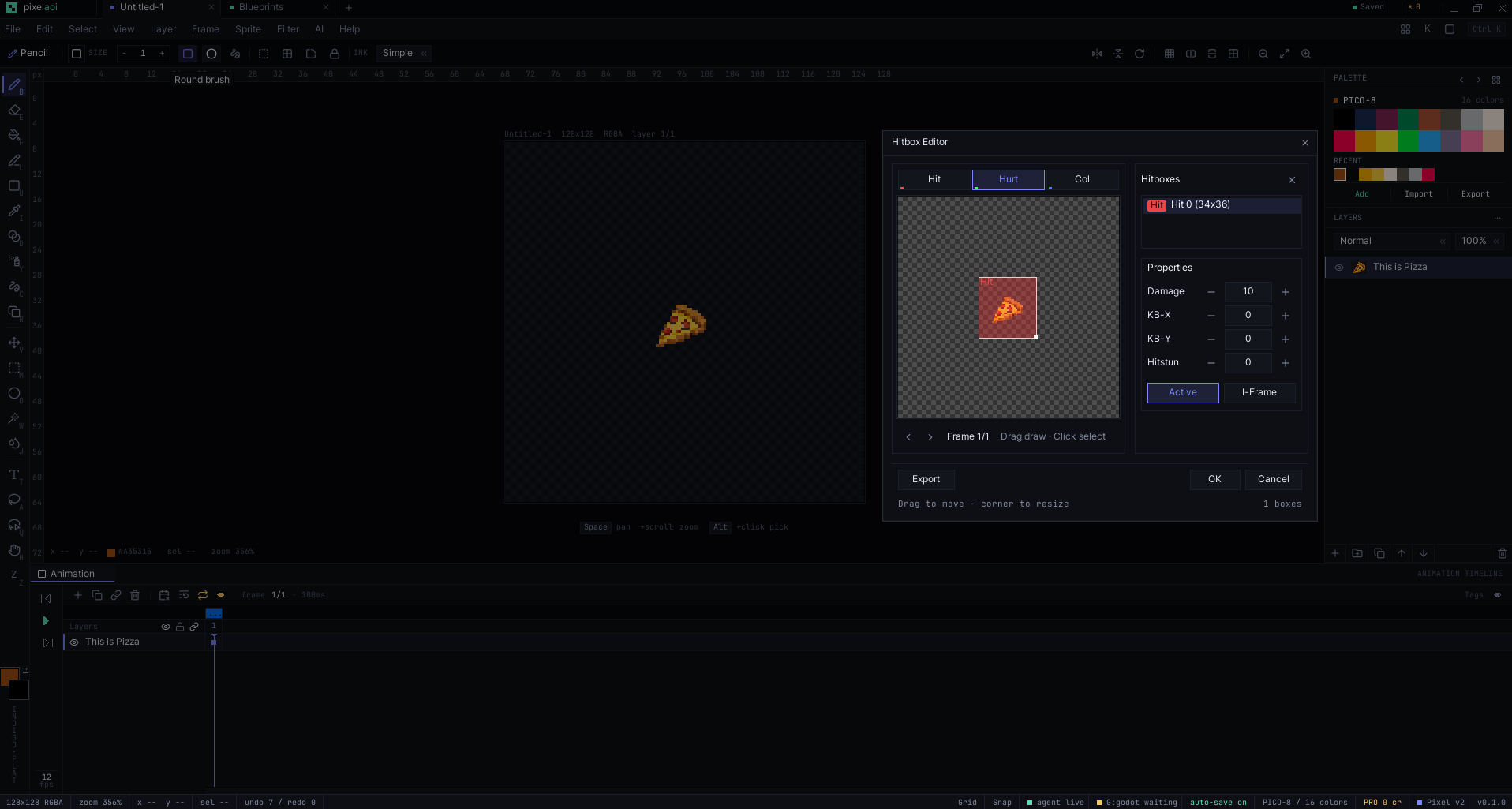
- Hitbox & hurtbox editor — per-frame hit, hurt, and collision boxes with damage, knockback, hitstun, and i-frames, exported as platformer-ready JSON.
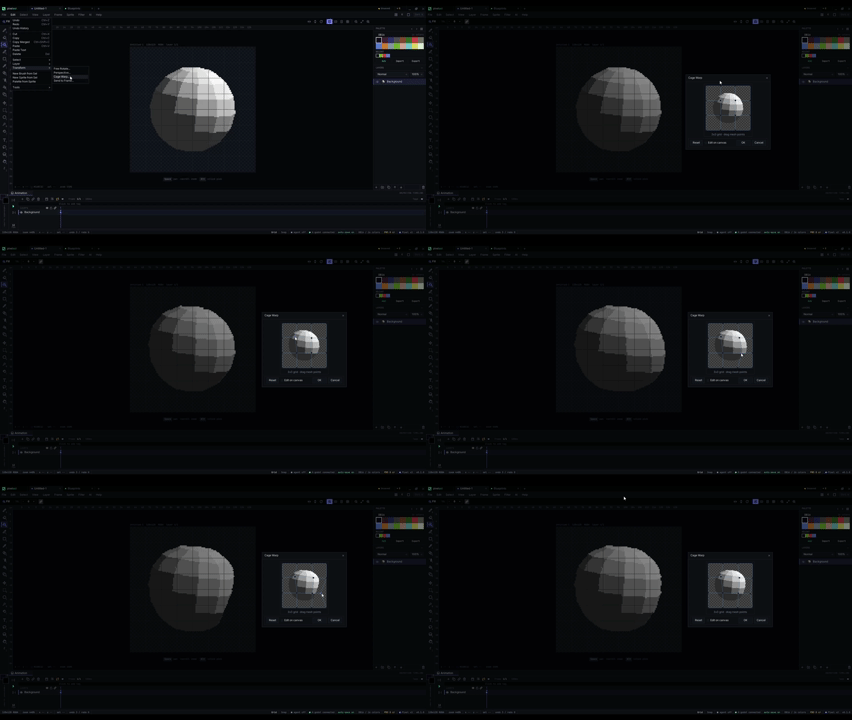
- Cage warp — freeform mesh deformation on a 4×4 control grid.
- Particle preview — fire, smoke, sparks, and magic on your actual sprite, with burst, stream, and radial emitters.
- The Ruler — a real straightedge your brush slides along and can't paint underneath.
The everyday stuff, done right
- 20 drawing and selection tools, 7 ink types, pixel-perfect mode, fully configurable keybindings.
- Unlimited layers with 19 blend modes, groups, and clipping masks.
- Indexed color and NES-style palette cycling.
- Bitmap font editor, 9-slice editor, custom brushes, command palette, multi-document tabs, autosave.
Ship to any engine
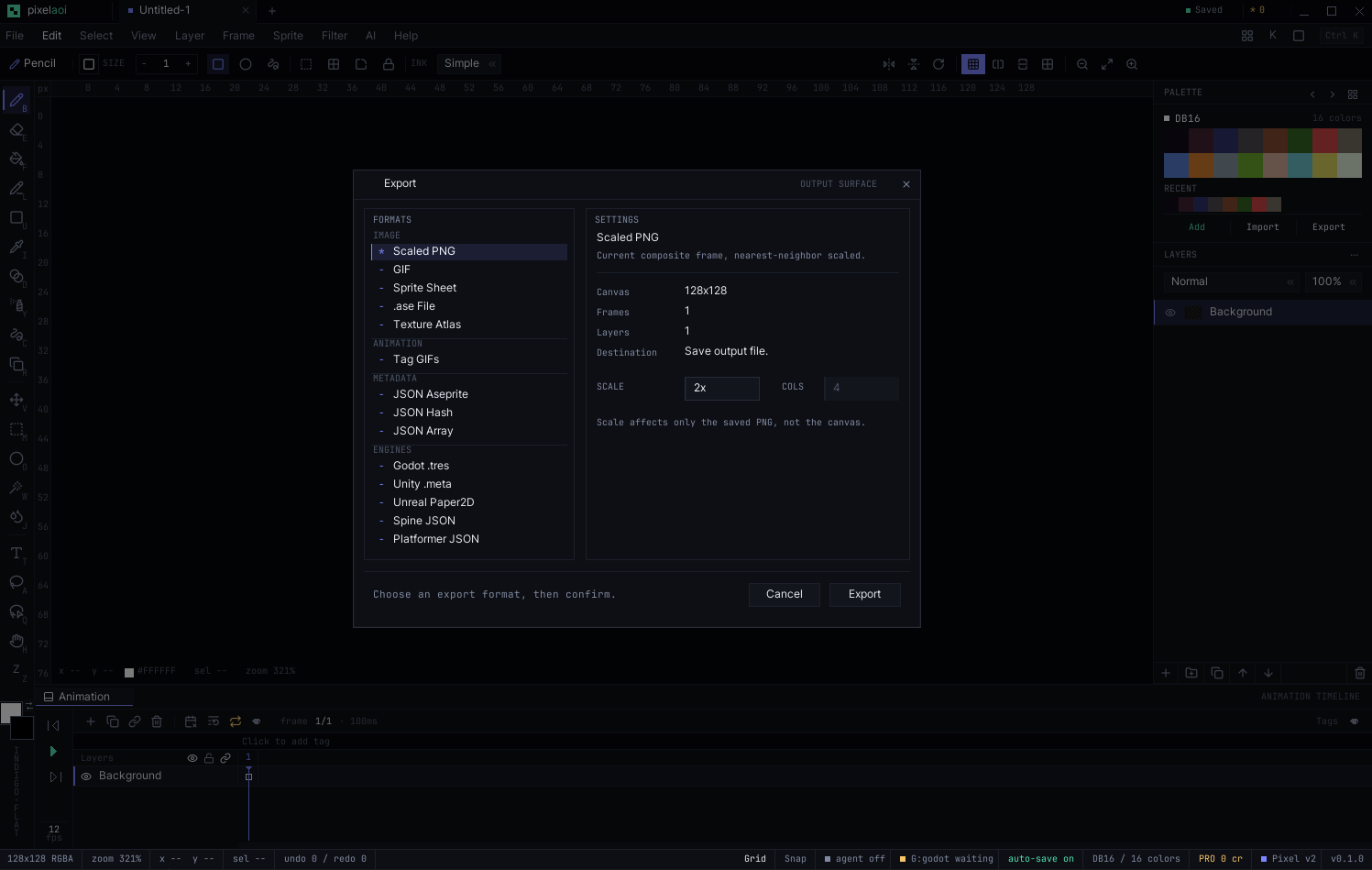
Export in the format your engine actually expects: Godot .tres, Unity .meta, Unreal Paper2D, Spine JSON, Tiled .tmx, a lossless .ase roundtrip, animated GIF, sprite sheets with JSON, a packed texture atlas, or plain PNG at 1–16× scale.
Familiar, but further
| Feature | Typical editor | PixelAOI |
|---|---|---|
| Layers & blend modes | Basic | 19 modes, groups, clipping |
| Animation timeline | Yes | Cels + tags + variable timing |
| Tilemap editor | Rare or none | Built-in + Wang autotiling |
| Engine export | Manual / plugins | Native Godot / Unity / Unreal |
| Live engine sync | None | Godot Live Link |
| Node-based effects | None | Blueprint graphs (100+) |
| AI generation | None | 6 models, your own key |
| Price after trial | Subscription | One-time, no subscription |
Still growing
PixelAOI isn't finished — it gets bigger every month. More tools, more nodes, more exports, and local offline AI are all on the way, and every update lands free while you're in your six months. This is an editor that keeps expanding, not one you buy once and watch go stale.
Free for 6 months
Make a free account, download it, and use the whole thing — every tool, every export, no watermark, no nag. The only metered feature is cloud AI generation, and you can run that on your own key for nothing.
After six months it's a one-time $17 to keep it — no subscription, ever, and every future update included. Those six months aren't a countdown to a paywall; they're the time we need to show you the $17 is worth it. If we don't earn it, you've lost nothing.
JOIN OUR DISCORD FOR FEEDBACK/BUGS ANY ISSUES AND ETCDownload
Install instructions
Install (Windows)
- Extract PixelAOI-Windows.rar anywhere (right-click → Extract All, or open it with WinRAR / 7-Zip).
- Open the PixelAOI folder and run pixelaoi.exe. There's no installer — it's portable, so you can keep it wherever you like.
- First launch, Windows may show a blue "Windows protected your PC" screen because the app isn't code-signed yet. Click More info → Run anyway. (Signing is on the list.)
What's in the folder
- pixelaoi.exe — the editor.
- godot/addons/pixelaoi_sync — the Godot live-link add-on. Copy it into your Godot project's addons folder and enable it to paint straight into your running scene.
- AI-AGENTS.txt — how to connect an AI agent (Claude Code, Codex, Cursor) over the local MCP bridge.
Good to know
- Free for 6 months — the whole editor, no watermark.
- Updates install themselves: when a new version ships, a card appears in the app and one click updates it.
- Requires Windows 10 or 11 (64-bit). macOS and Linux are coming.
Stuck? pixelaoi.pro has the docs.
Development log
- PixelAOI v0.5.3 is out — a performance release2 days ago
- PixelAOI v0.5.2 is out23 days ago
- PixelAOI v0.5.0 - Local AI / ComfyUI29 days ago
- PixelAOI v0.4.0 is out34 days ago